Wednesday, December 31, 2025
What's New in VCom: December 2025

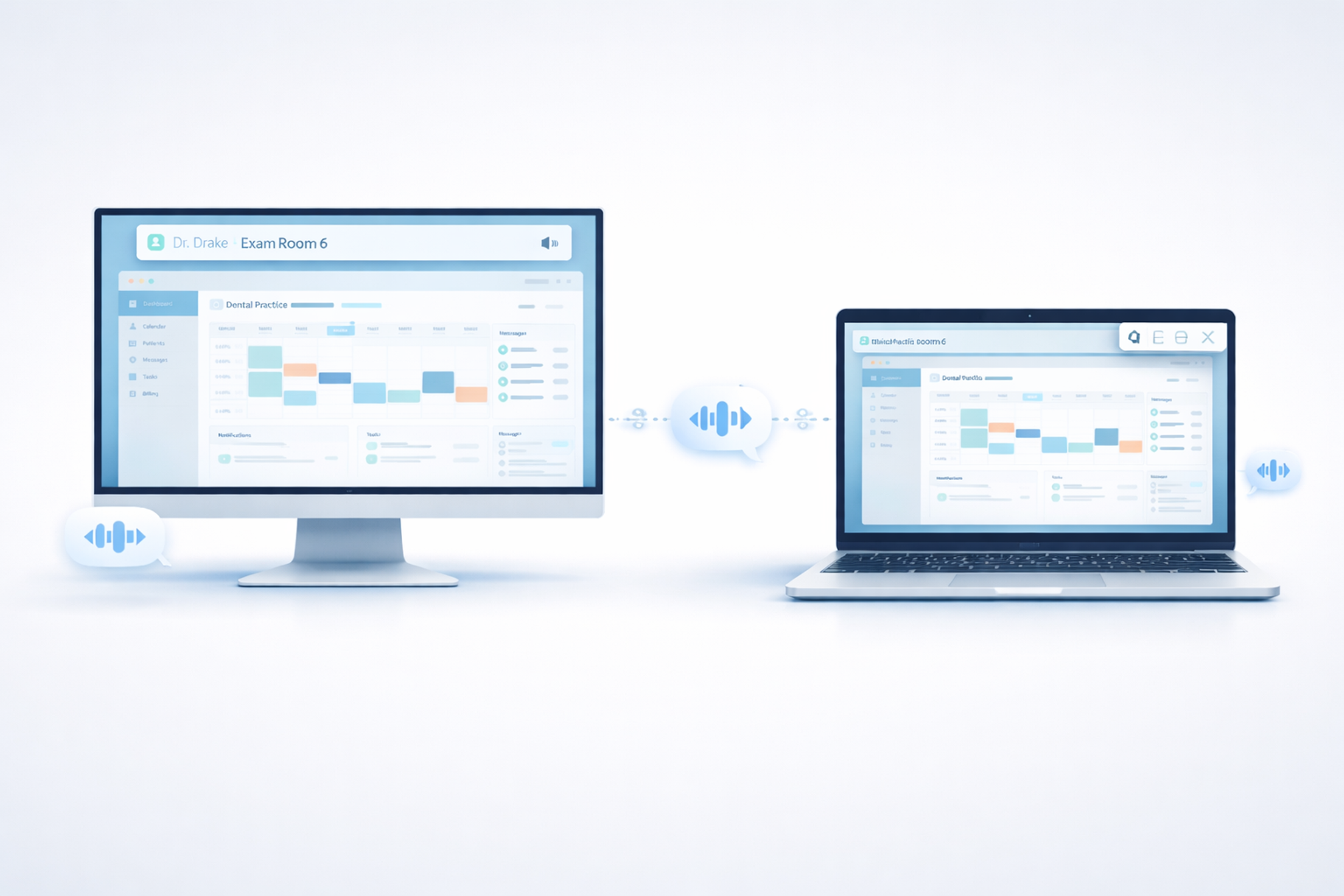
We're excited to announce that VCom now supports macOS.
This has been one of our most requested features, and we're proud to deliver a version that fits naturally into how Mac users—particularly providers—already work.
Why macOS?
In many practices, the operatories run Windows. That's where the practice management software lives, where charting happens, and where staff rotate throughout the day.
But doctors often use Mac. Whether it's a MacBook in their private office, an iMac at a personal workstation, or a laptop they carry between locations—Mac is common among providers.
Until now, those devices were outside the VCom communication loop. If a hygienist pressed F5 for "Dr. Drake Exam Room 6," Dr. Drake would only see it if he happened to be at a Windows workstation.
Not anymore.
How It Works
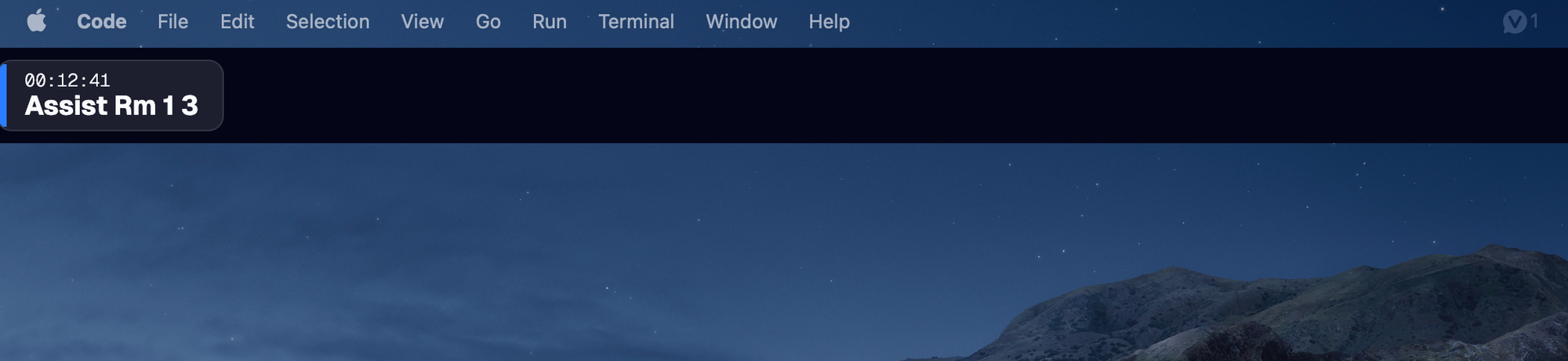
The macOS version of VCom connects to your location just like the Windows version. Install the app, enter your activation code, and you're part of the communication flow.
When a message is sent to your location, it appears on your Mac. When your name or role is mentioned, your unique audio cue plays. You see what's happening across the practice without leaving your desk.
Designed for Assigned Workstations
macOS handles windows differently than Windows. There's no AppBar feature—the always-on-top banner that sits permanently at the top of the screen on Windows isn't possible on Mac.
But here's the thing: that's okay.
The always-on-top banner exists for shared workstations in operatories. Those computers are used by multiple people throughout the day—assistants, hygienists, doctors—all rotating through. Staff need instant, zero-click access to send and receive messages while their hands are busy and their focus is on the patient.
Mac workstations are different. They're typically assigned to one person—usually a provider. Doctors use their Mac in their private office, between patients, or during administrative time. The workflow is less hands-free and more focused.
For these use cases, the macOS version delivers exactly what's needed:
- Incoming messages appear as notifications
- Audio cues play when you're mentioned
- You stay connected without changing how you use your Mac
No extra interaction required. No learning curve. Just seamless awareness of what's happening in your practice.
What's Included
The macOS version supports:
- Message reception — see every message sent to your location
- Audio cues — hear your unique sound when a message is for you
- Reply templates — respond with one click
- Message shortcuts — send messages with keyboard shortcuts
- Real-time sync — configuration changes from the web app apply automatically
Everything you need to stay in the loop.
What's Different from Windows
Windows version includes:
- Always-on-top banner that stays visible across all applications
- Notifications
- Audio cues
- Reply templates
- Message shortcuts
- Best for shared workstations in operatories
macOS version includes:
- Notifications (no always-on-top banner—macOS doesn't support AppBar)
- Audio cues
- Reply templates
- Message shortcuts
- Best for assigned workstations like provider offices
The Windows version remains the best choice for operatories where the always-available banner is essential. The macOS version is ideal for providers and administrative staff who use Mac at their personal workstations.
Getting Started
If you're already a VCom customer:
- Download the macOS app from your location dashboard
- Install it on your Mac
- Enter your location's activation code
- Done—you're connected
The installation appears in your location's management interface just like a Windows workstation. Name it, assign sounds, and you're ready to go.
What's Next
This is our first macOS release, and we're committed to improving it based on your feedback. If you're using VCom on Mac, let us know how it's working for you. What's great? What could be better?
Your input shapes what we build next.