Featured
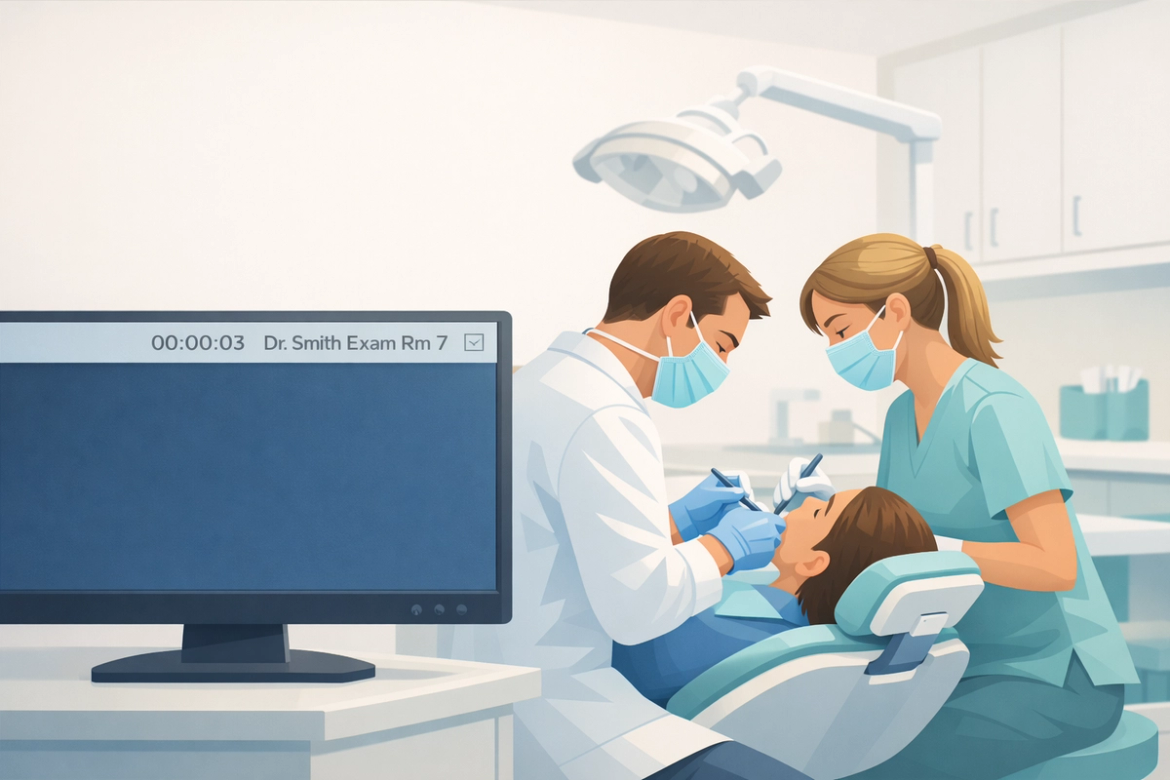

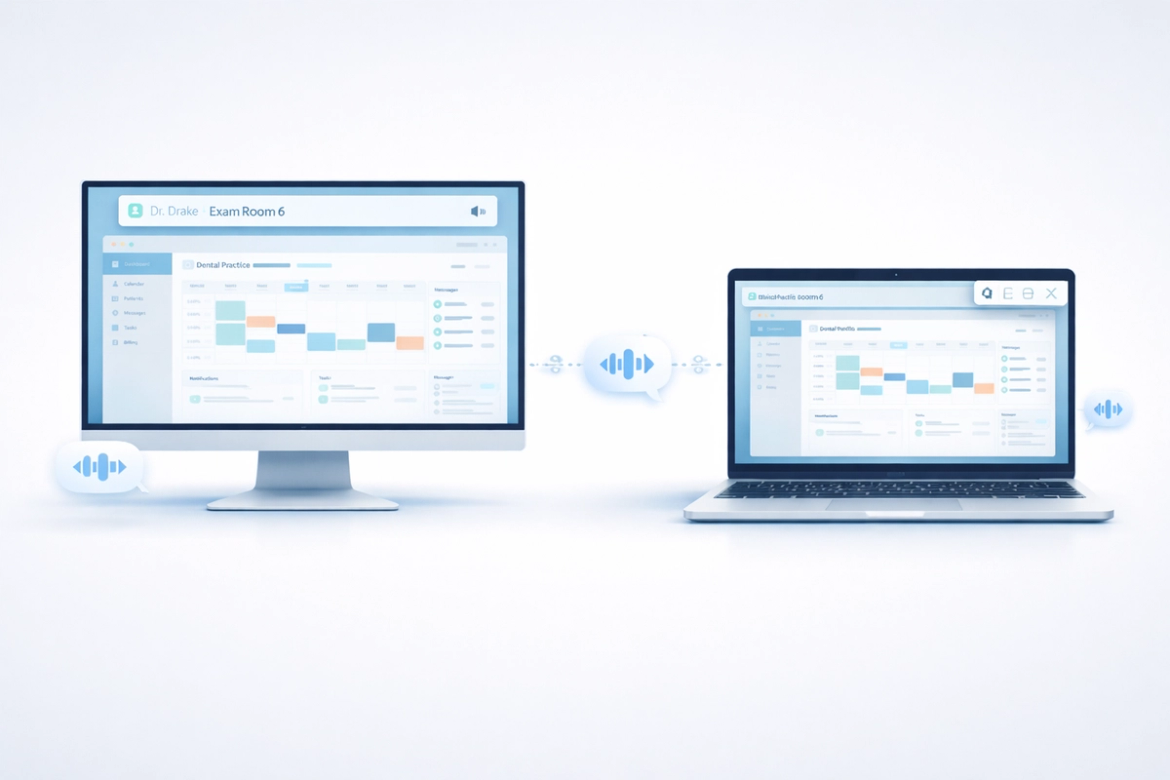


Bring the Dentistry back to Dentistry!
Most days, dentists spend less time fixing teeth than fielding interruptions. Virtual Intercom delivers each message only to the person who needs it—so you can stay focused on care, not chaos.
How to Switch from Classic to the New VCom
Classic VCom is being retired. If your practice has received an Expiration Notice — or is already experiencing connection issues — this step-by-step guide will get your team fully migrated to the new cloud-based VCom in about 20 minutes.
The Problem You’ve Learned to Tolerate
Most dentists don't realize their communication system is broken. They just know the day feels louder than it should. VCom was built to change that — not by adding another tool, but by rethinking how teams talk altogether.
Reduce the Drag — Part 1
Rarely does one mistake define a difficult day in a dental practice. More often, it's the quiet accumulation of small inefficiencies — unclear communication, minor delays, and tiny interruptions — that drain time and focus. This post introduces a simple four-step management cycle that turns recurring frustrations into measurable, solvable problems.
Virtual Intercom Releases VCom v2: Smarter Dental Office Communication
Virtual Intercom VCom v2 is here with an improved timer function and workflow upgrades. Learn how dental offices can upgrade and improve team communication.